Yutoriverse

App Profile

House of Ma logo

House of Ma

A space for self-awareness built around feeling, reflection, rhythm, and calm practice.

House of Ma helps people pause before reacting. It combines emotional check-ins, journaling, astrology, and simple practices into one restrained mobile experience.

The app takes its name seriously: ma is the meaningful interval that gives shape to everything around it. The product is designed to create that interval rather than fill it.

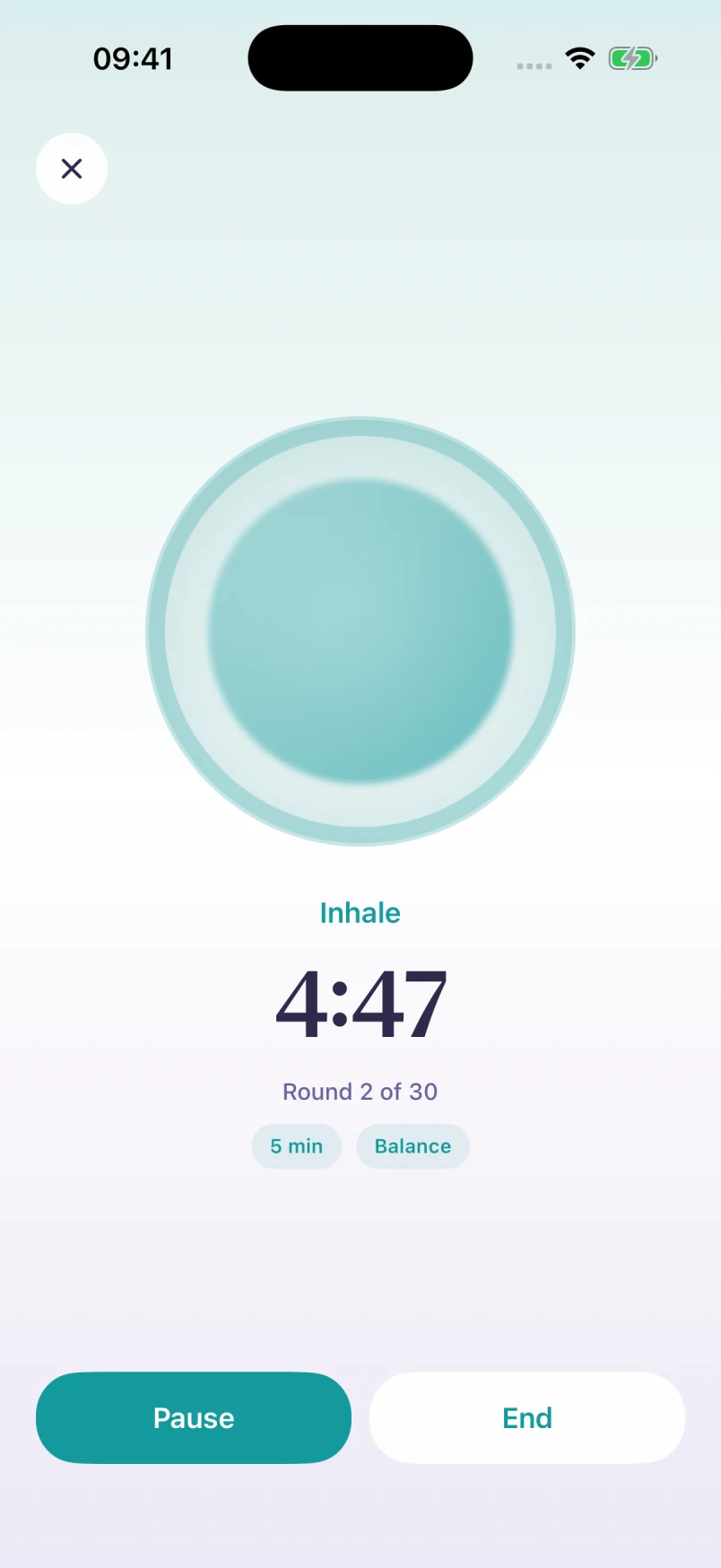
House of Ma practices screen
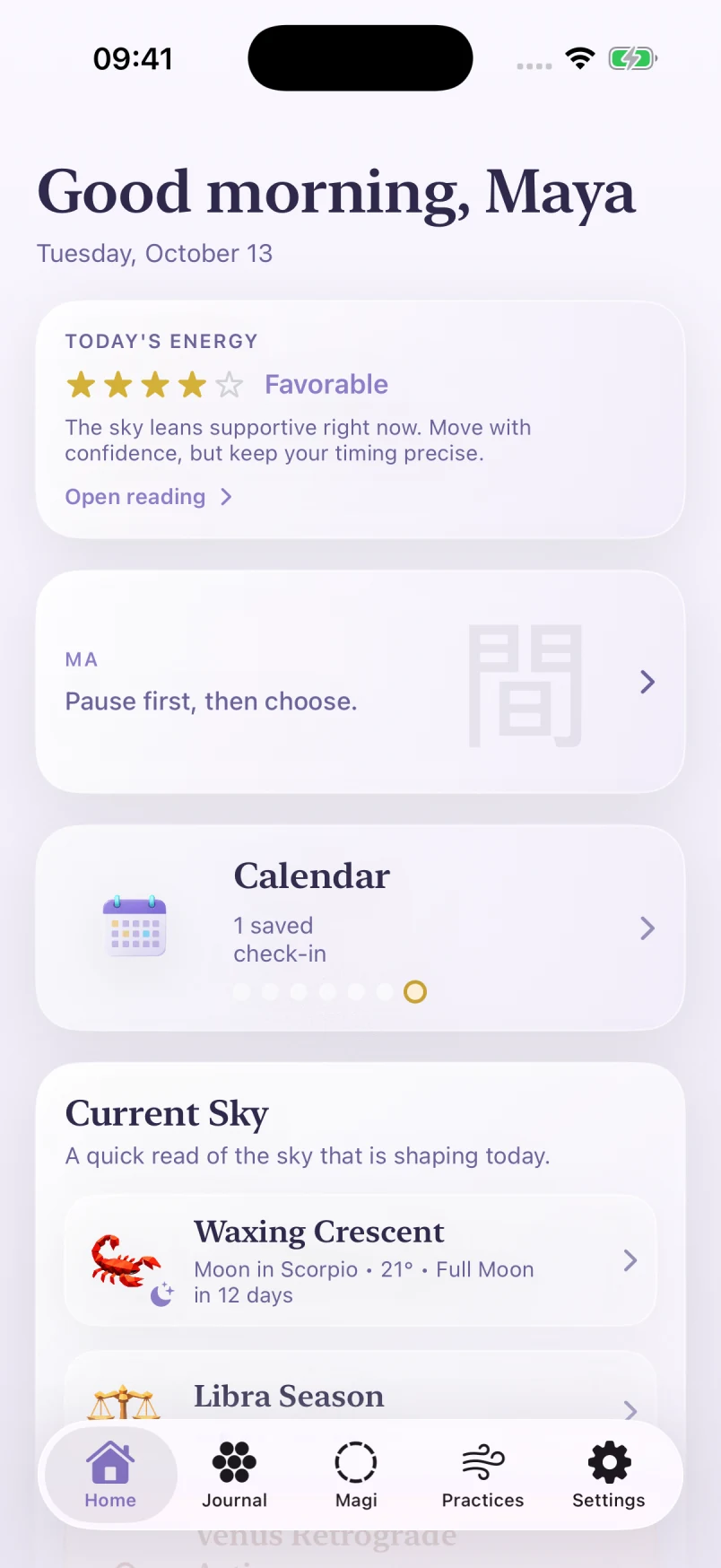
House of Ma home screen

The Shape

Four quiet actions, held in sequence.

The product flow is intentionally small: stay, journal, breathe, close. Instead of adding more surfaces, House of Ma narrows the experience to a few useful moves people can return to every day.

That structure mirrors the broader Yutoriverse philosophy: technology should respect attention, reveal what matters, and step aside once it has done its work.

Stay

Pause long enough to notice what is actually present before the day rushes in.

Journal

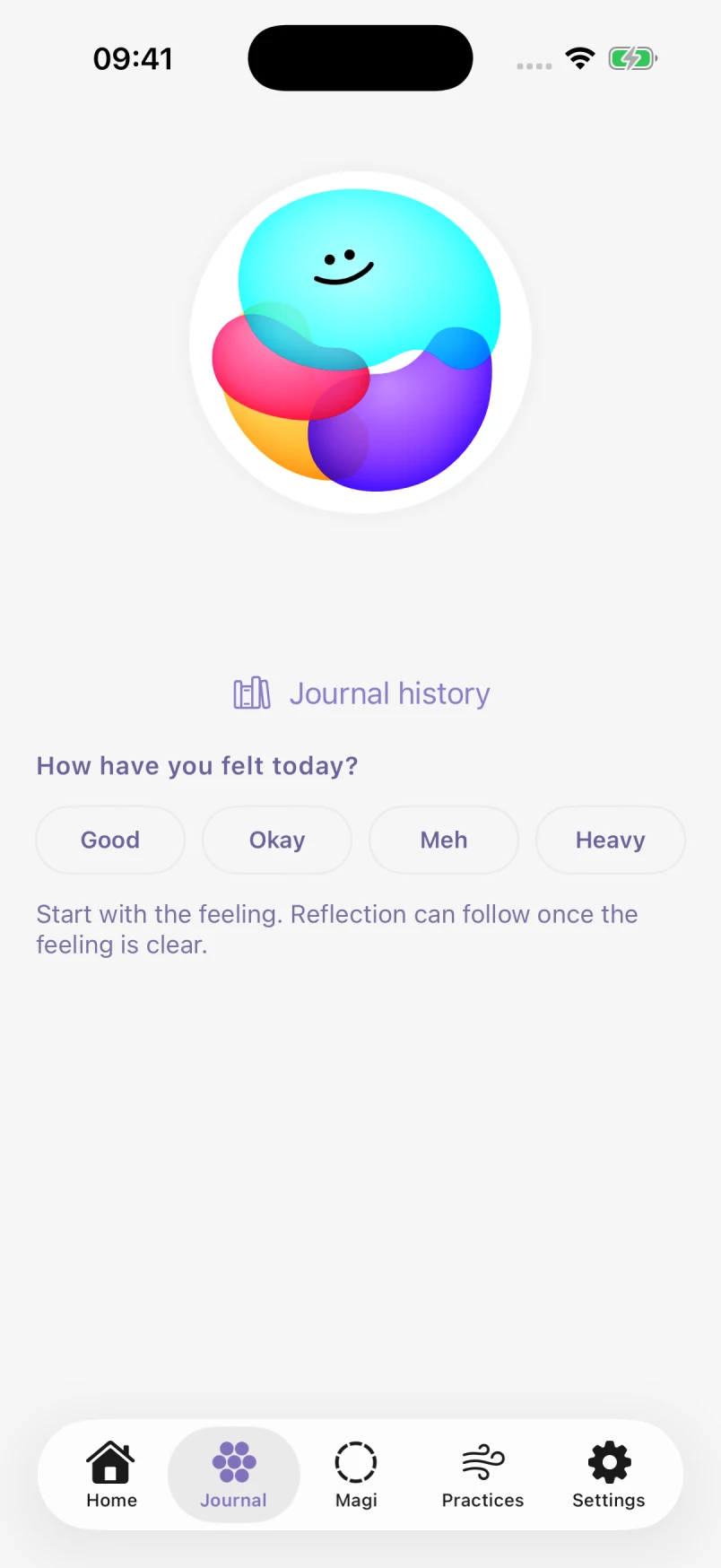
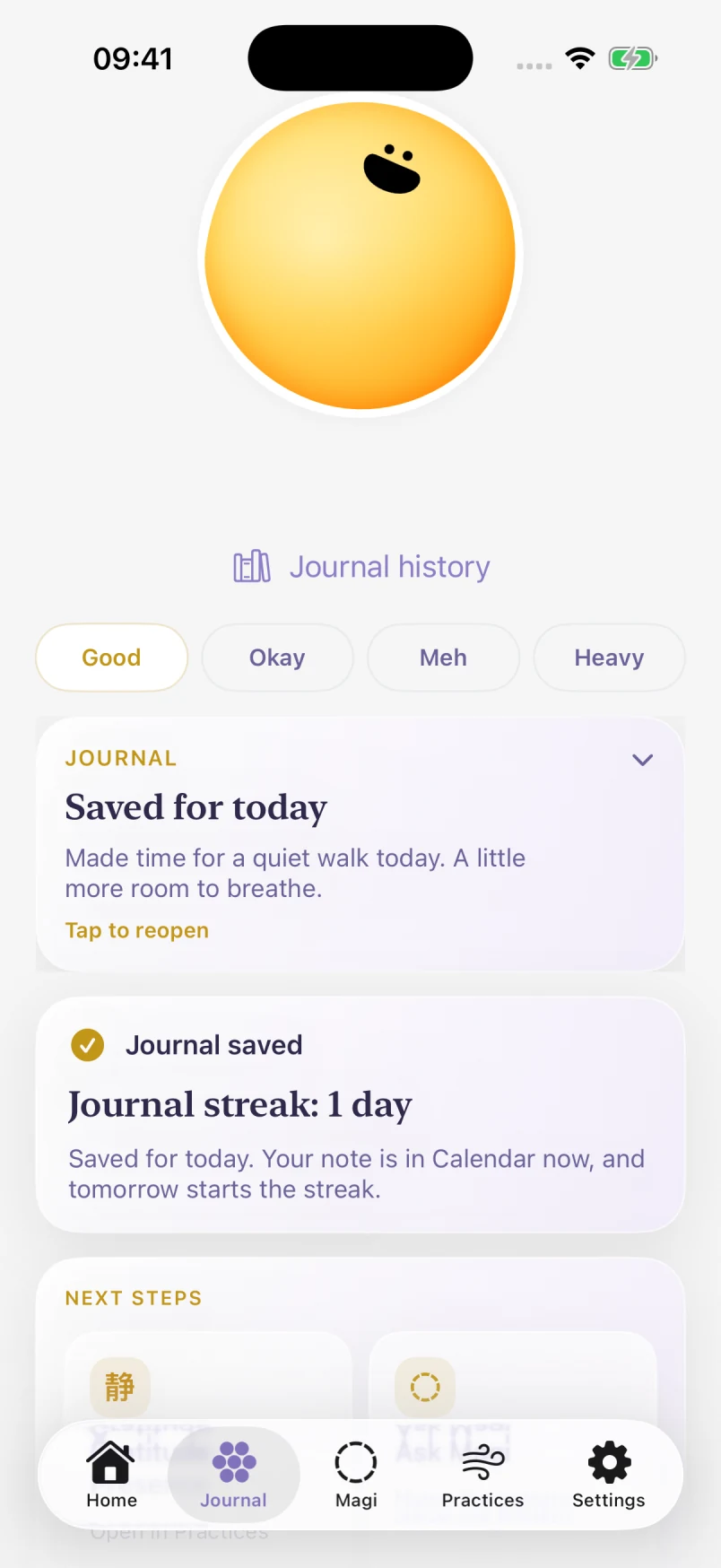
Turn emotional weather into language with prompts that stay gentle and direct.

Breathe

Step into meditation or breathwork when stillness is more useful than more input.

Close

Return to the world with a little more clarity, rhythm, and room around your thoughts.

What It Does

An emotionally literate toolkit for daily life.

The app is not a meditation library, not just a journal, and not only an astrology product. It layers those systems so the right one can come forward at the right moment.

Feeling

Emotion first, interpretation second

House of Ma starts with a mood check-in and then offers one calm next step. Reflection leads; astrology supports from the background.

Current Sky

Astrology in plain language

Moon phases, sign changes, and seasonal shifts are translated into concise signals you can actually use during the day.

Practices

Quiet ways back to center

Meditation and breathwork are presented as simple entry points, with rhythm and repetition tracked without turning calm into pressure.

Rhythm

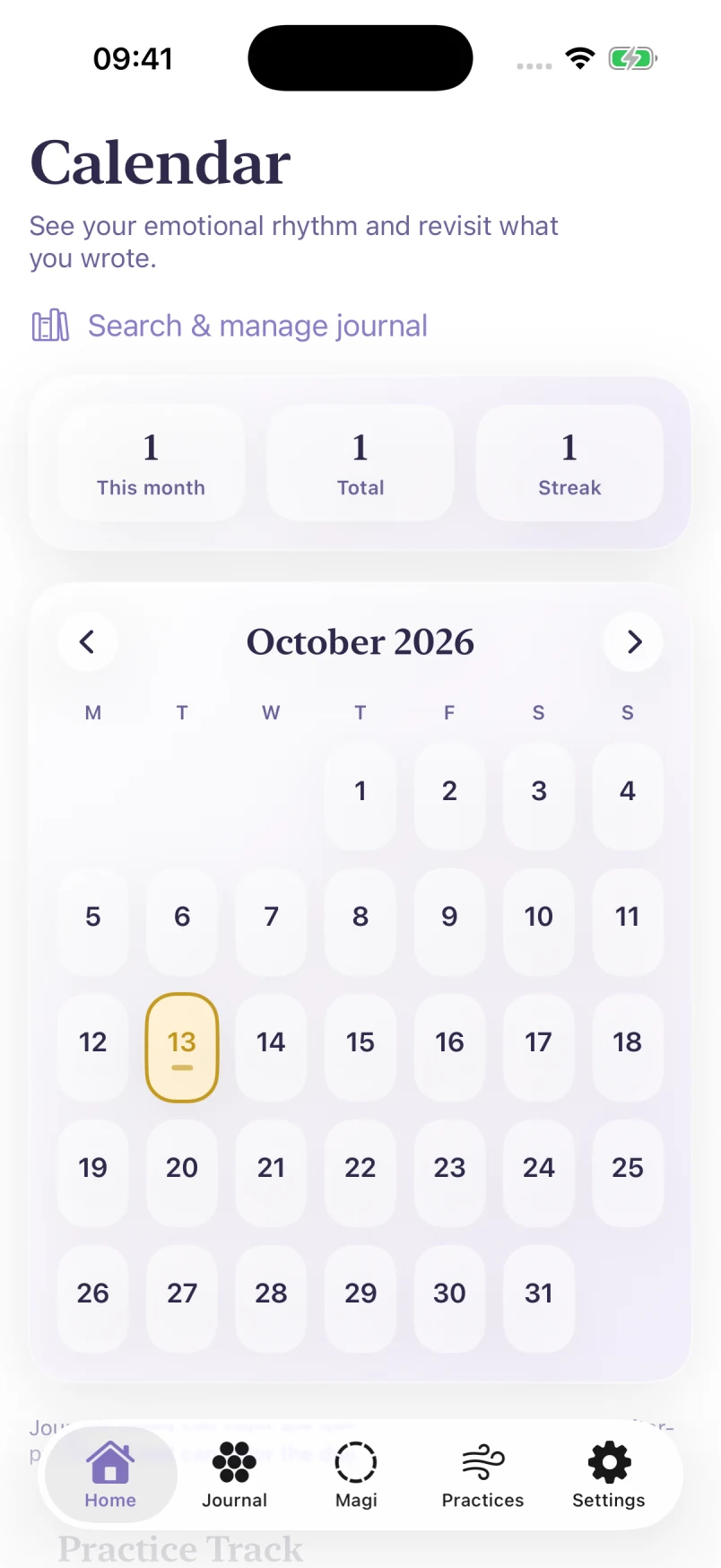
A calendar of how you have been

Journal entries, practice sessions, and Apple Health mood signals sit together so patterns become visible over time.

Magi

Conversation when you need a nudge

A gentle guide is available for the moments when typing one honest sentence is easier than decoding everything alone.

Inside The App

Swipe through the app, one screen at a time.

This section now moves like the product itself: calm, linear, and touch-first. Swipe left to right to move through the welcome flow, check-ins, natal chart, forecasts, Ma messages, sky readings, practices, and rhythm views in sequence.

Swipe Gallery

Swipe on mobile, or use the arrows on desktop.

House of Ma welcome screen

Screen 01

A clear threshold

The welcome flow frames the app as a space for awareness, not a dashboard demanding attention.

House of Ma emotion check-in screen

Screen 02

Feeling becomes language

Daily check-ins move from mood to prompt, helping users name what feels open, heavy, or quietly good.

House of Ma home screen

Screen 03

The day, held lightly

Home gathers current energy, a short note on ma, and what the sky is shaping without turning the app noisy.

House of Ma natal chart screen

Screen 04

Natal chart, made approachable

The natal chart page turns a traditionally dense view into something more inviting, with tappable signs and planets and a clear read of the big three.

House of Ma weekly energy forecast screen

Screen 05

Daily and weekly energy forecasts

Transit-based forecasts give a quick read on the week ahead, combining an overall tone with a calmer day-by-day breakdown.

House of Ma ma page

Screen 06

A page that creates clarity through space

The Ma page looks minimal on purpose. A single message and lots of room around it help the user reset, breathe, and let the idea land.

House of Ma sign change detail screen

Screen 07

Structured sky detail

Astrological detail screens stay readable and grounded, with timing, sign, and meaning broken into calm modules.

House of Ma practices screen

Screen 08

Practice without pressure

Meditation and breathwork are surfaced as approachable beginnings instead of achievement systems.

House of Ma calendar screen

Screen 09

Patterns over time

The calendar view helps users revisit entries, notice emotional rhythms, and connect reflection to practice.

House of Ma Magi assistant screen

Screen 10

A companion, not a feed

Magi is present when someone wants conversation, but the app keeps the quiet structure of the rest of the experience.

Yutoriverse

House of Ma extends our belief that better software creates space instead of noise.